ScrollWizard Press Kit
SuperComfySoft media relations.
Identity
SuperComfySoft is an independent software company founded in 2026. Its first and current release is ScrollWizard, a reading application for iPhone and iPad. ScrollWizard is in active development. SuperComfySoft operates under a trade name; the developer's personal identity is not disclosed in press communications.
Description — Short (For Quotation)
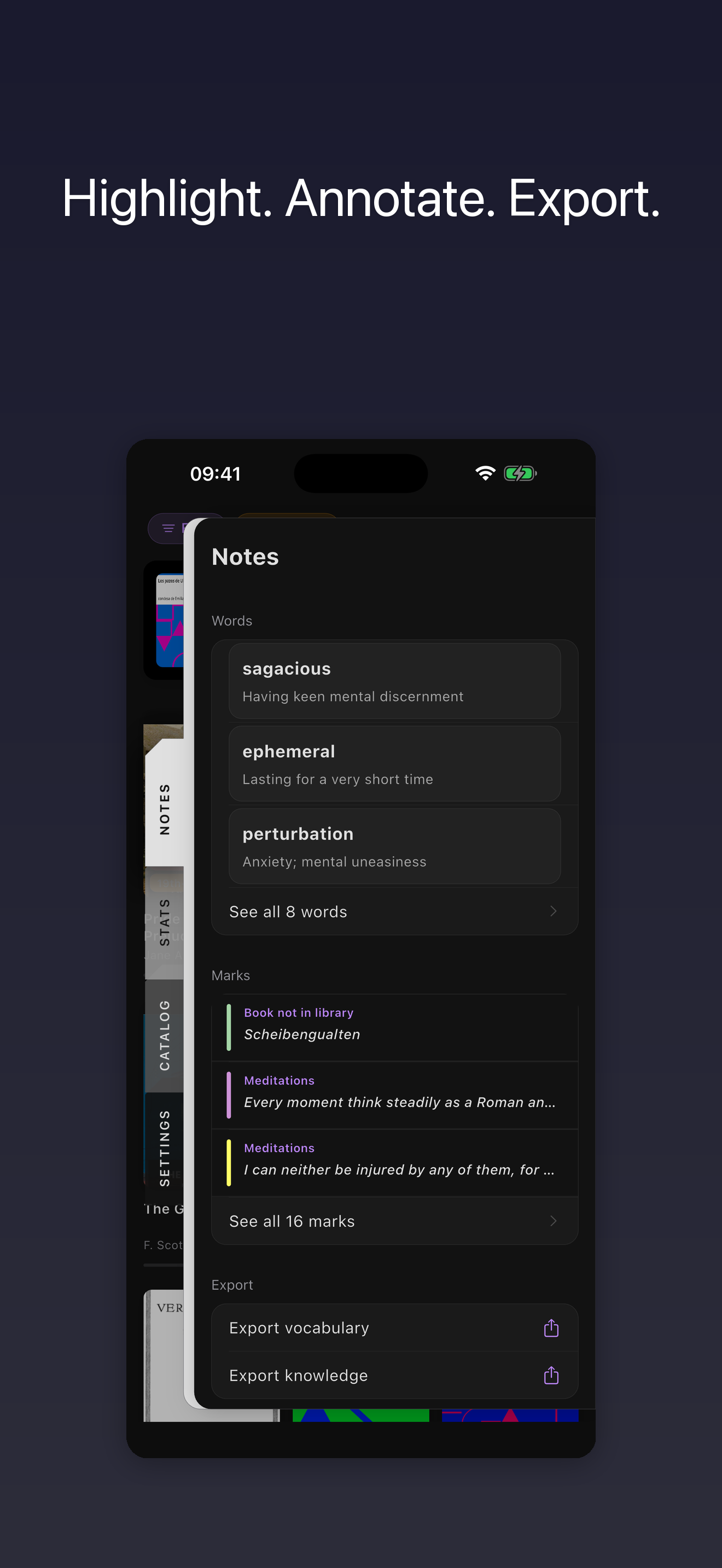
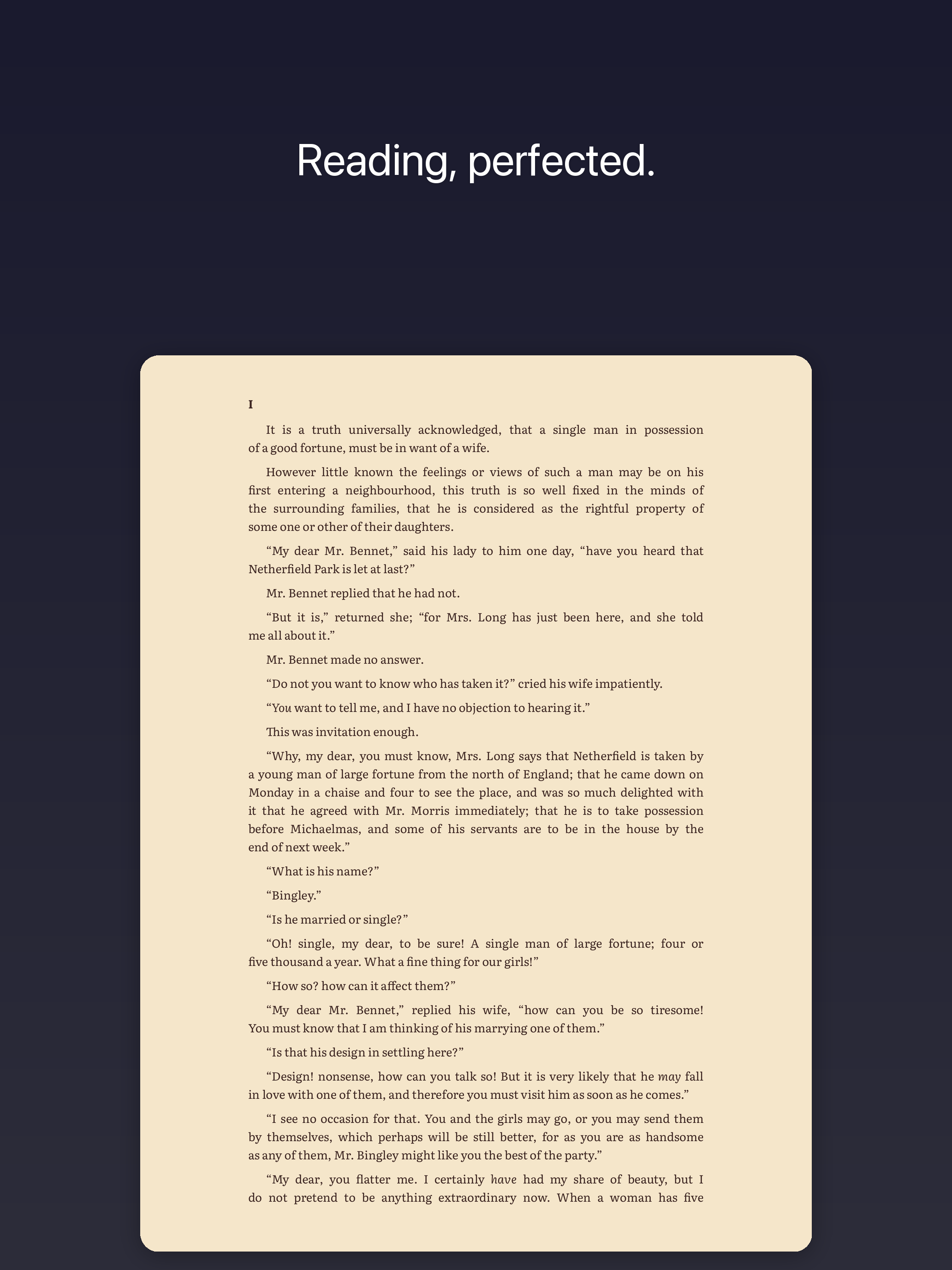
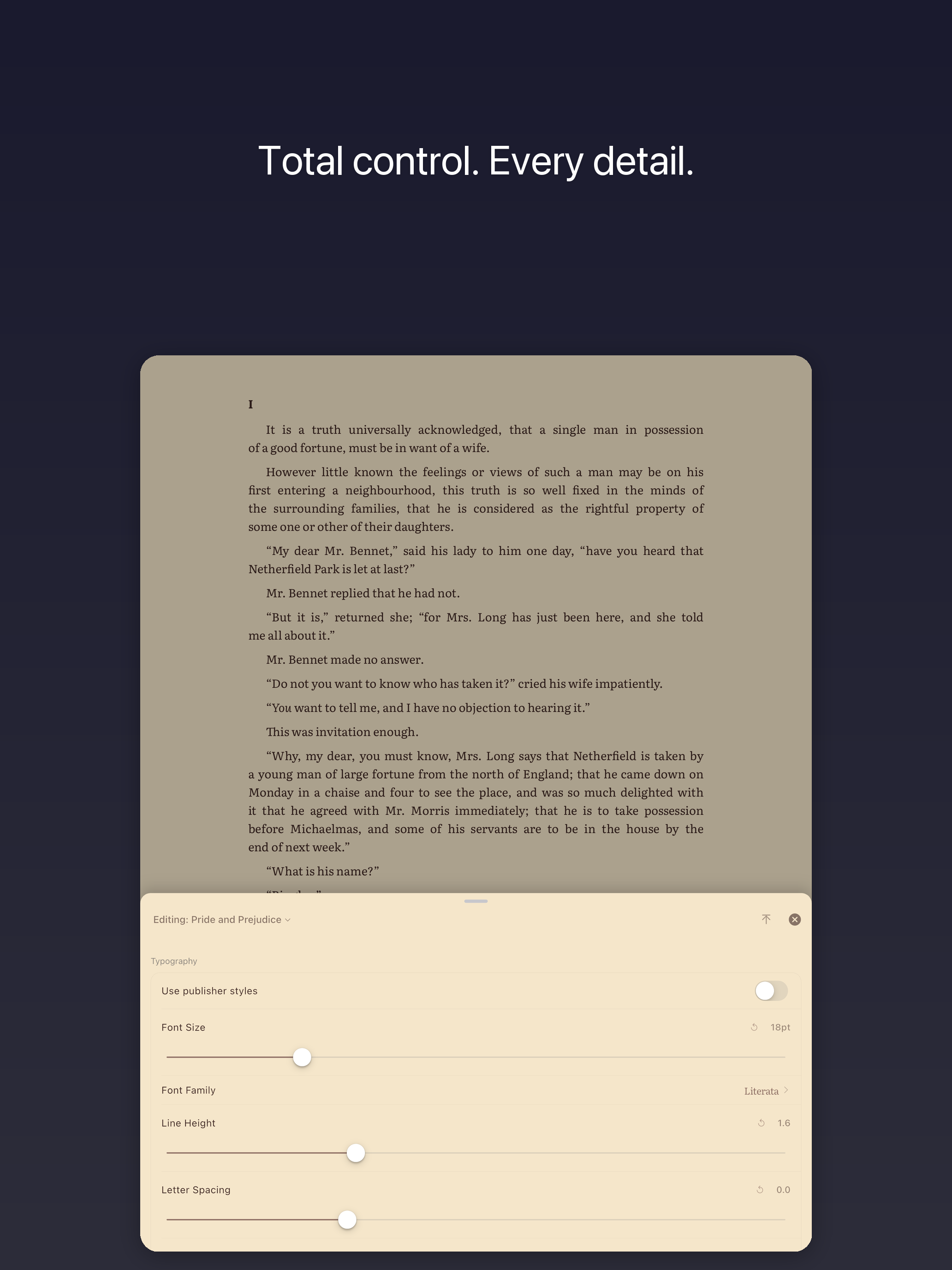
ScrollWizard is a free EPUB and PDF reader for iPhone and iPad. It offers per-book typography overrides, annotation export to Markdown, Obsidian, Notion, Logseq, and JSON, a built-in dictionary with a saved-word list and TSV / JSON / tab-separated flashcard export, full-text library search, OPDS catalog support, and iCloud Drive sync. A one-time upgrade — Advanced Wizard Mode — adds an RSVP focus reader, a two-book split reader, and custom fonts.
SuperComfySoft does not operate a subscription service.
Description — Long
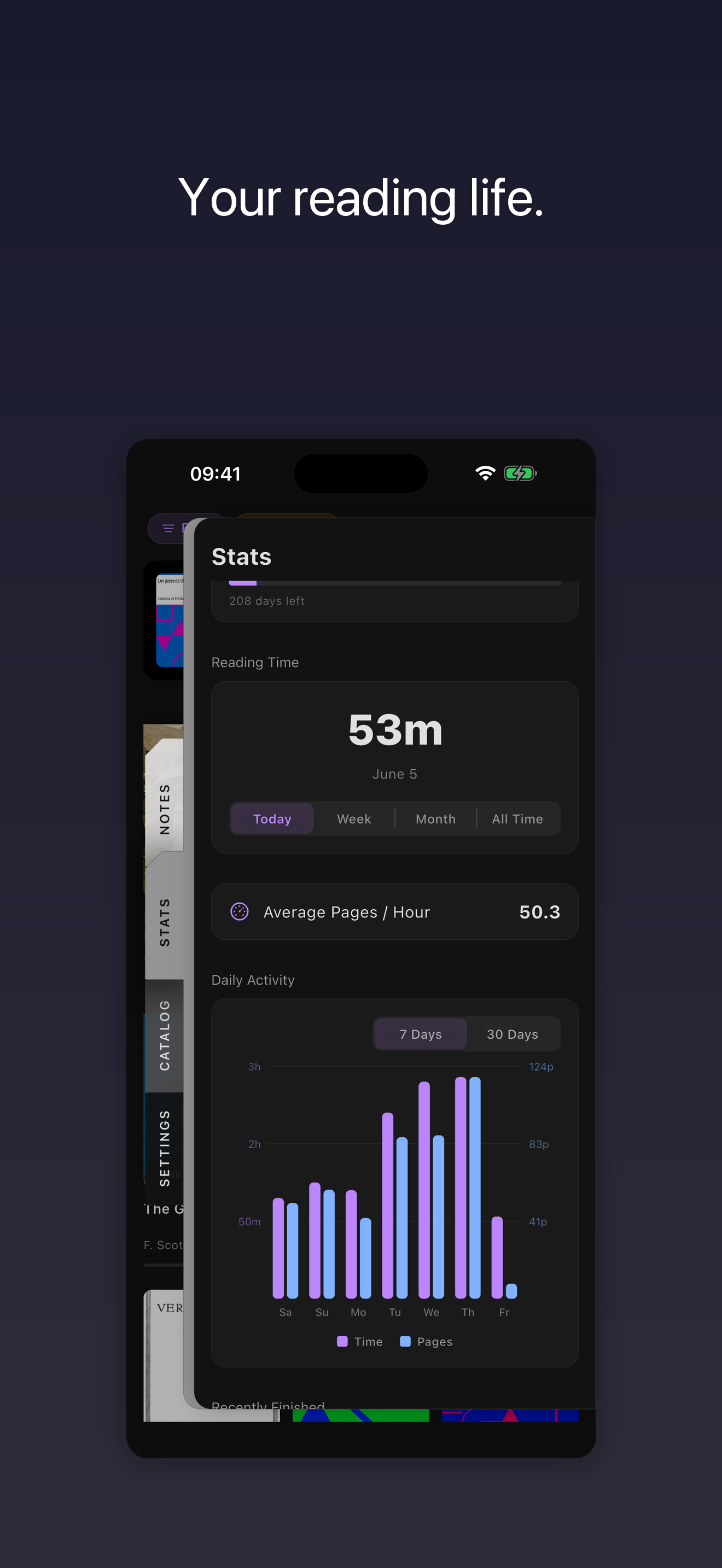
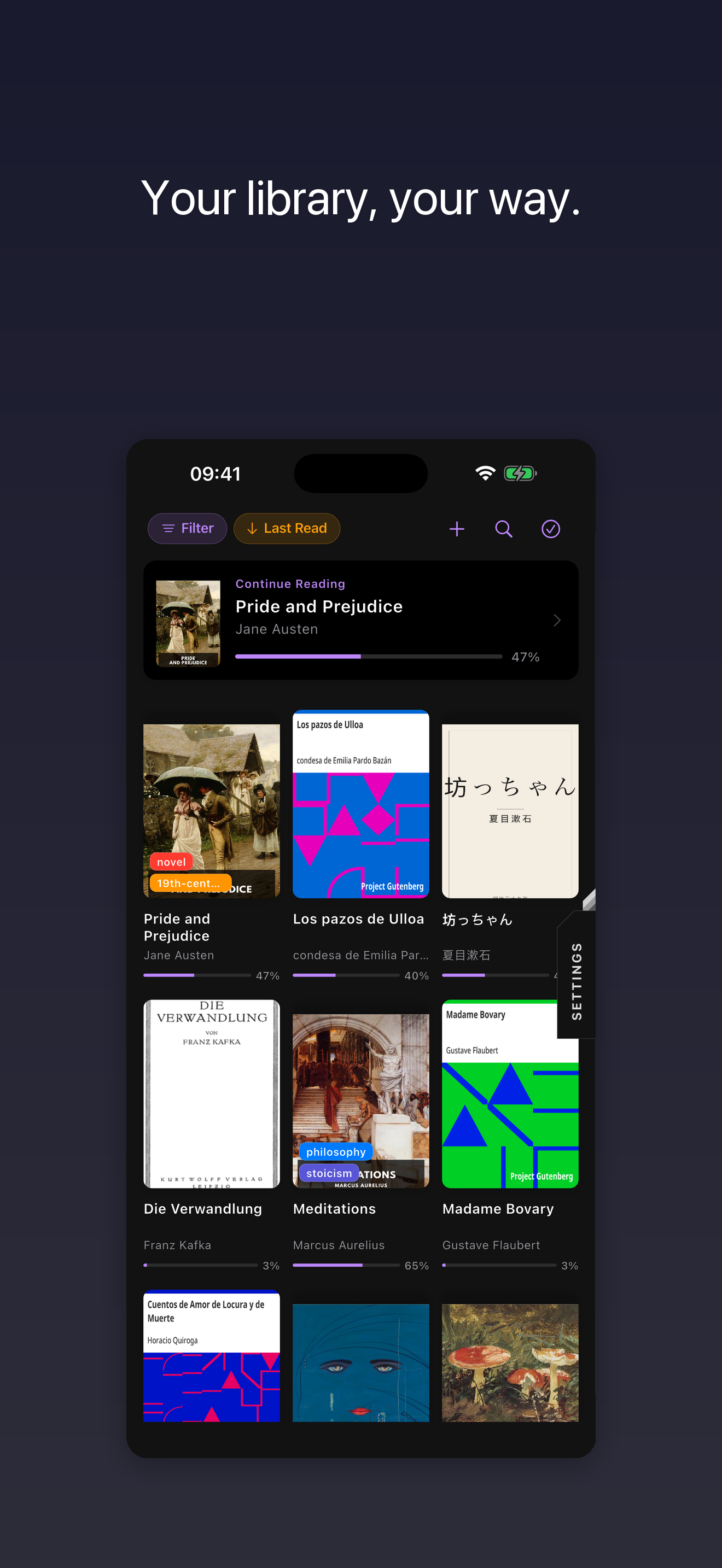
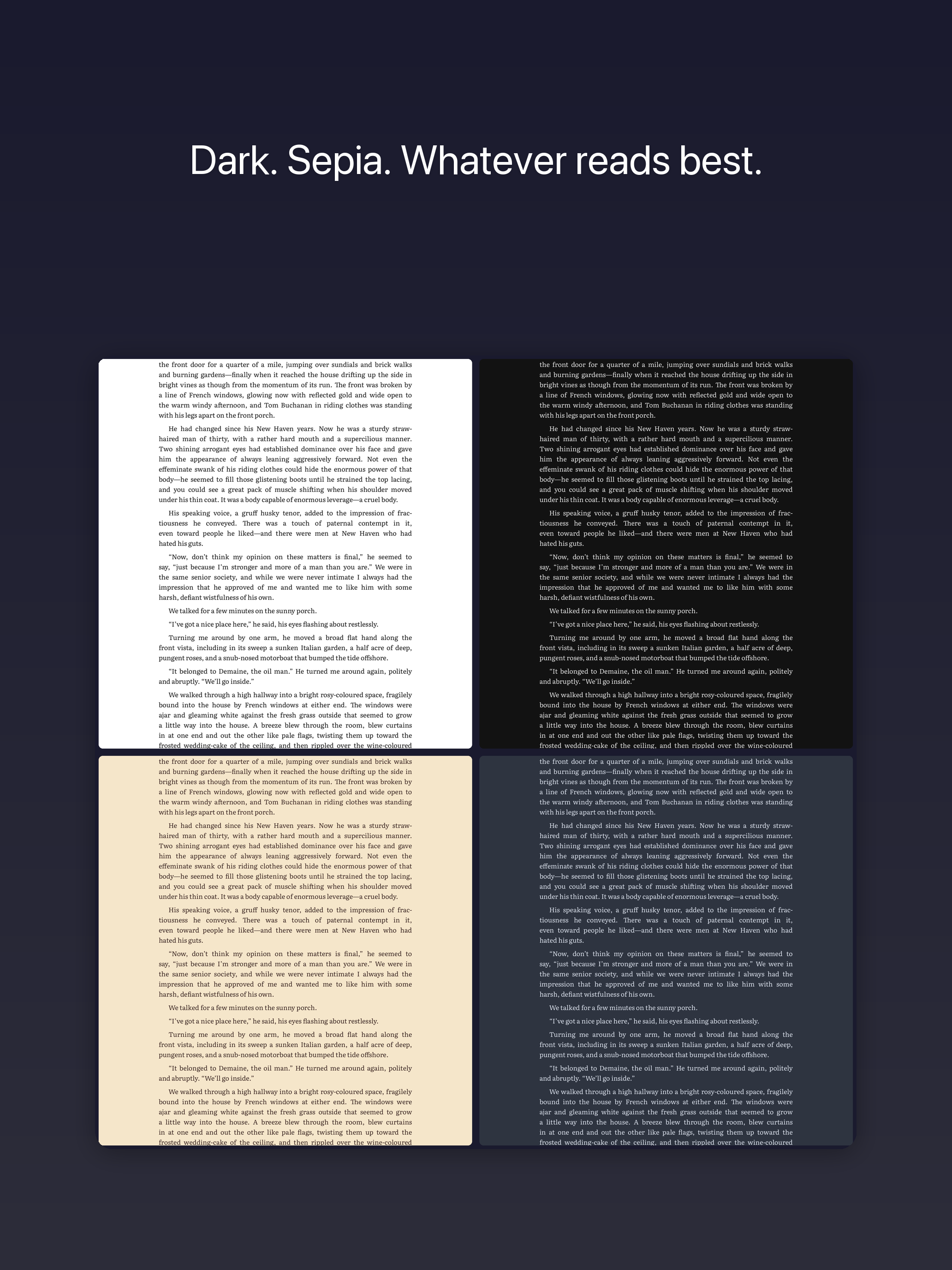
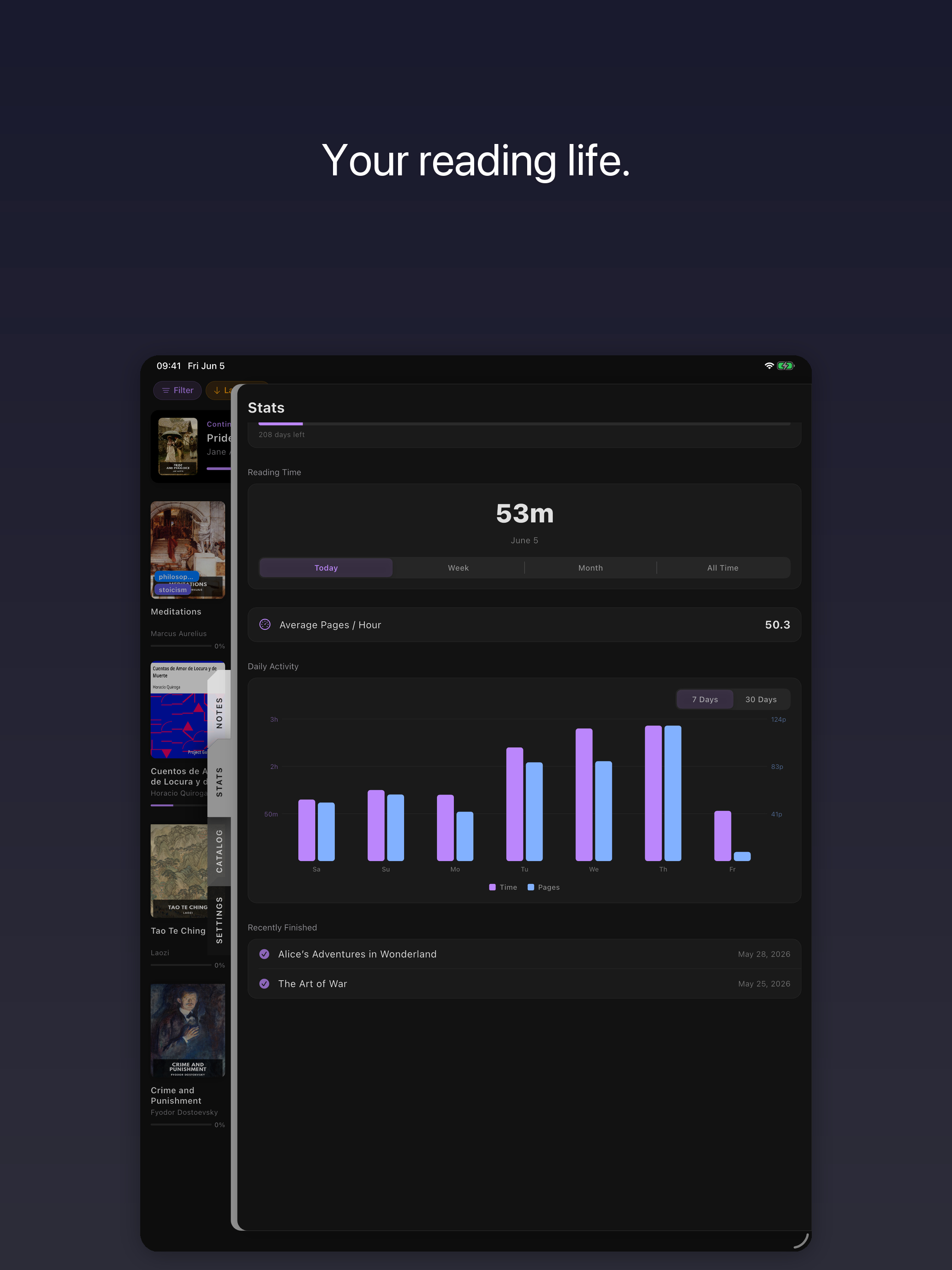
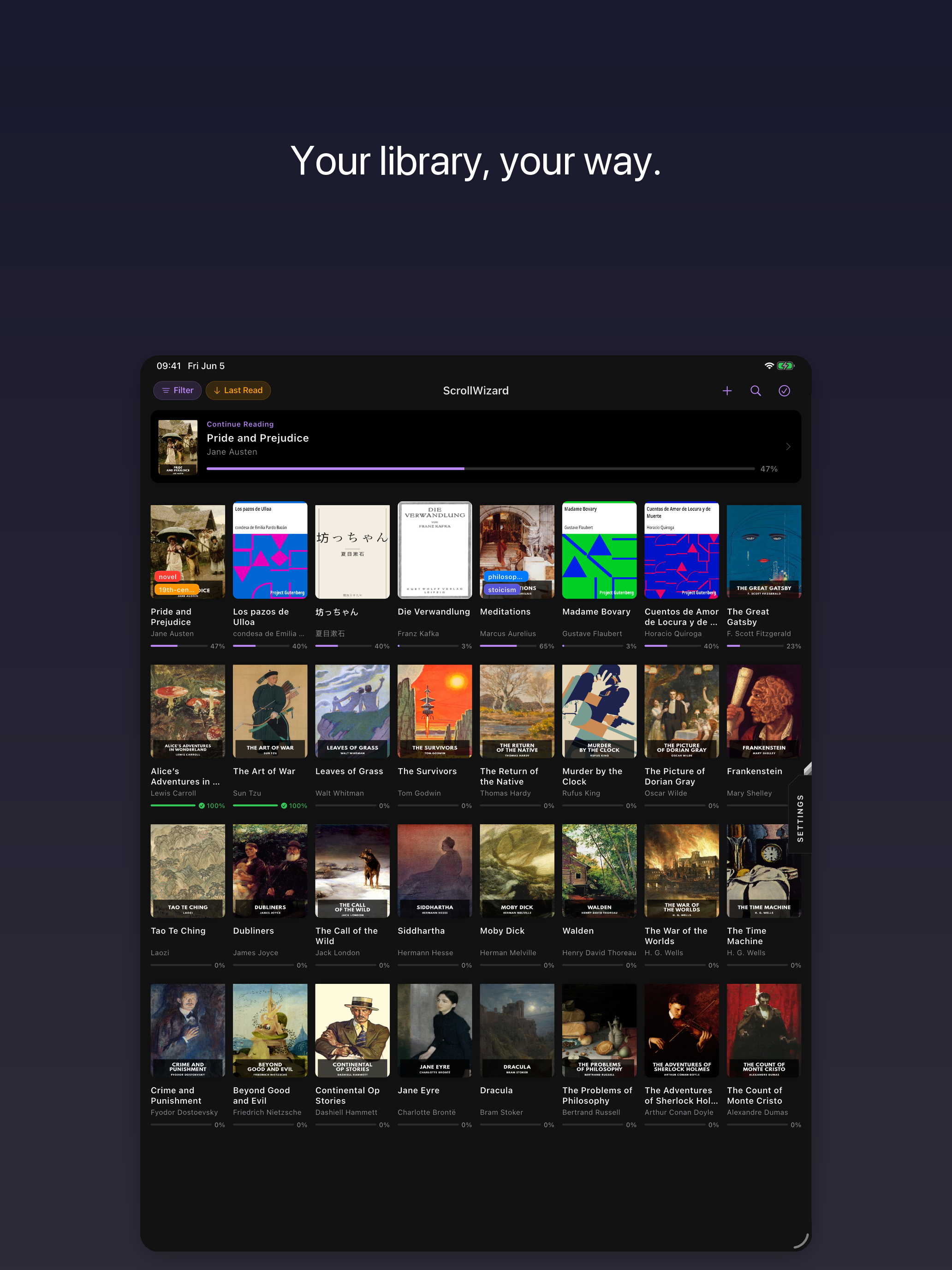
ScrollWizard 1.0 reads EPUB and PDF files on iOS. Its default feature set includes per-book typography overrides (font, size, line height, letter spacing, word spacing, margins, alignment, hyphenation); five-colour highlights with export to Markdown, Obsidian, Notion, Logseq, and JSON; smart collections with rule-based filtering; full-text library search; a built-in dictionary for tap-to-define lookups, with saved words stored alongside their source book, surrounding sentence, part of speech, and phonetic transcription, and exported to TSV, JSON, or a tab-separated flashcard file; PDF theming; reading statistics with daily and weekly charts and annual goals; OPDS catalog support including Project Gutenberg, Standard Ebooks, ManyBooks, Feedbooks, and Calibre content servers; iCloud sync — book files in a folder visible to the user in iCloud Drive, with reading data synchronised through the user's iCloud account via CloudKit.
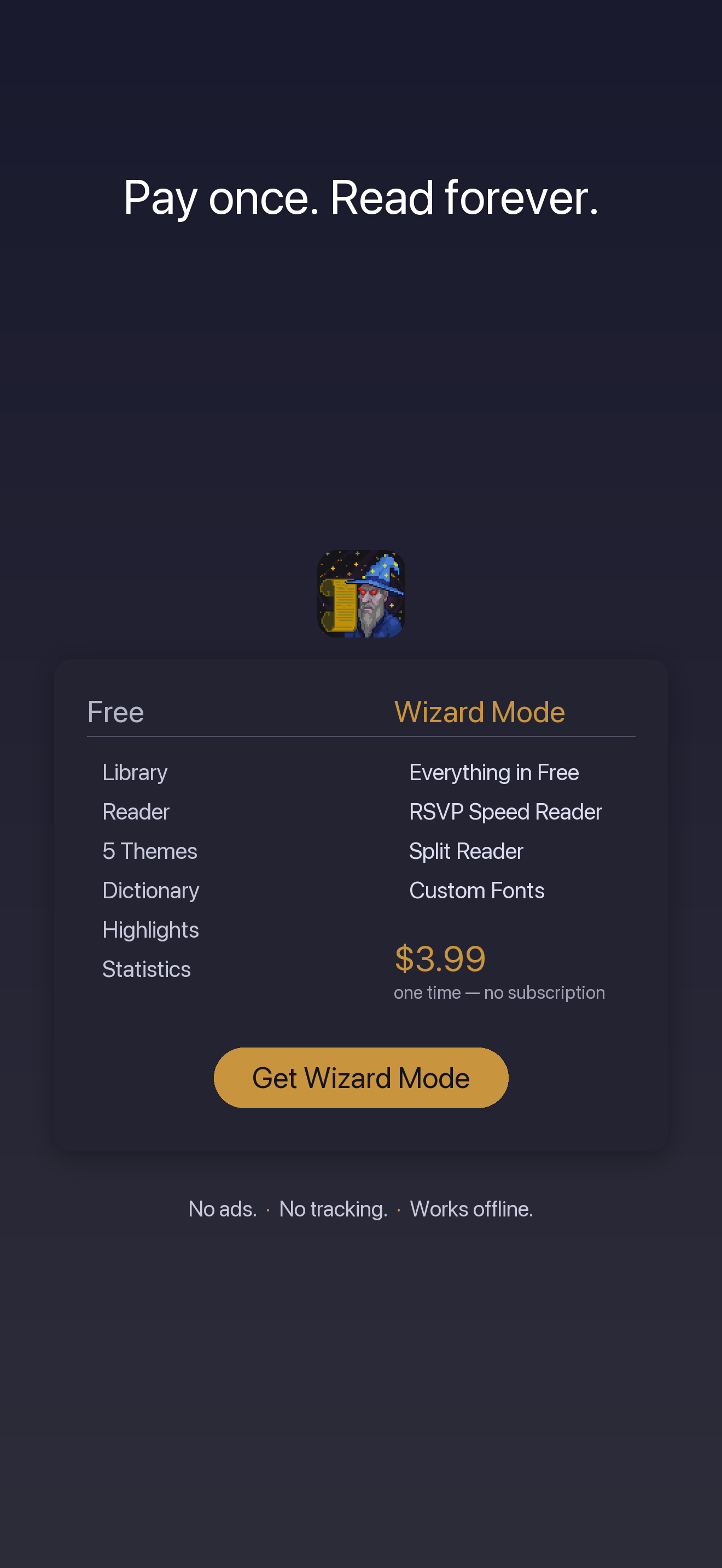
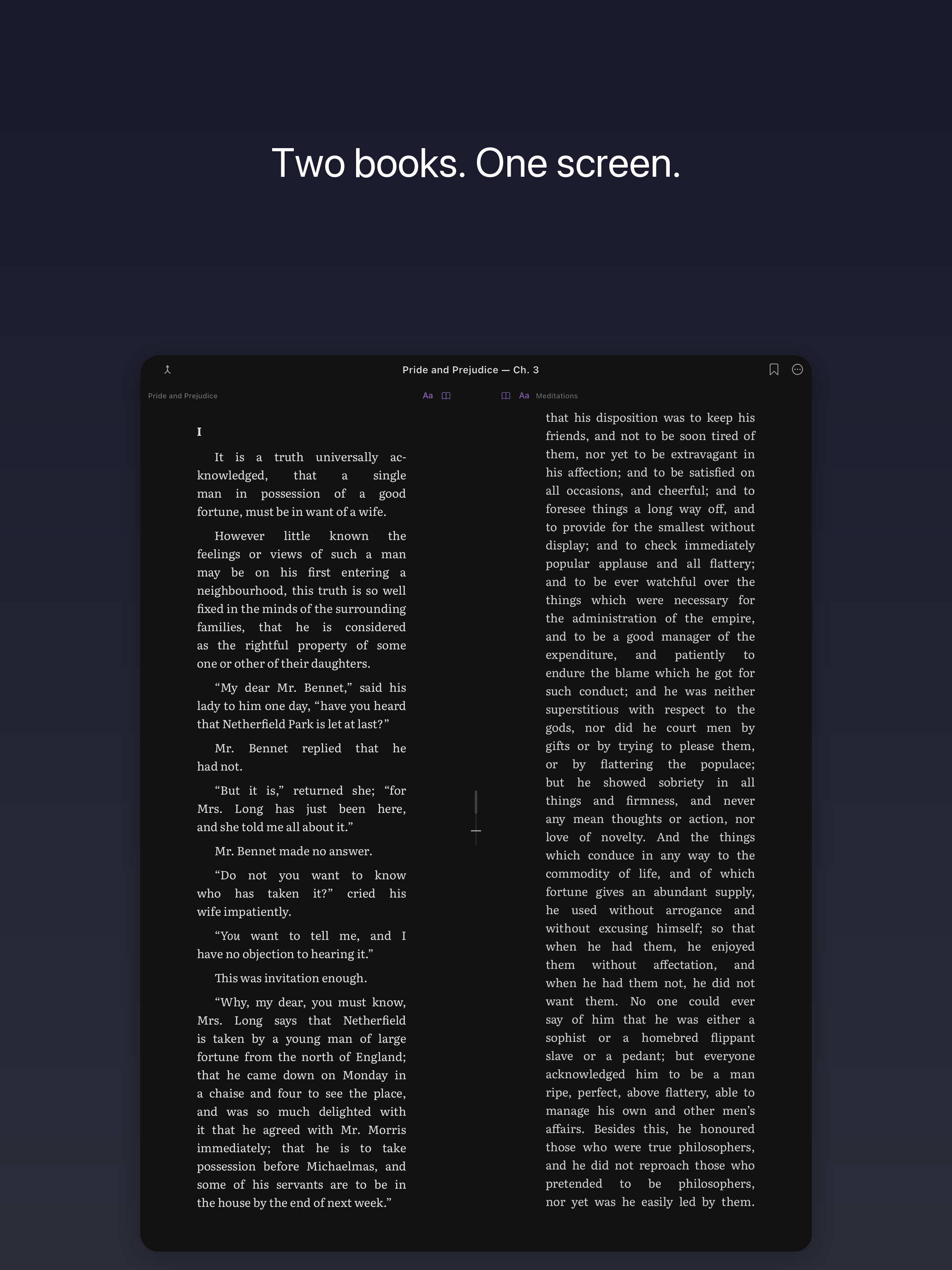
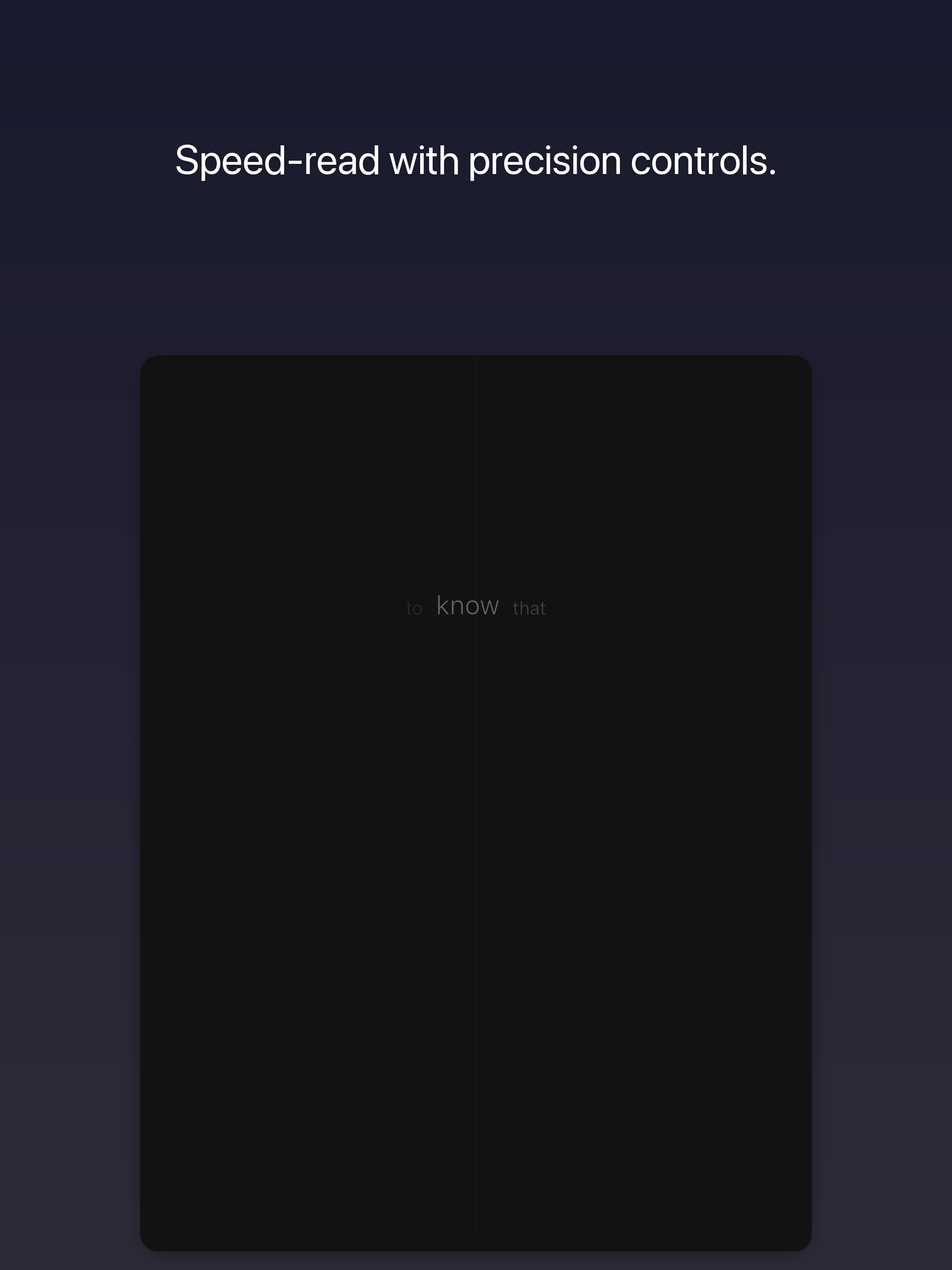
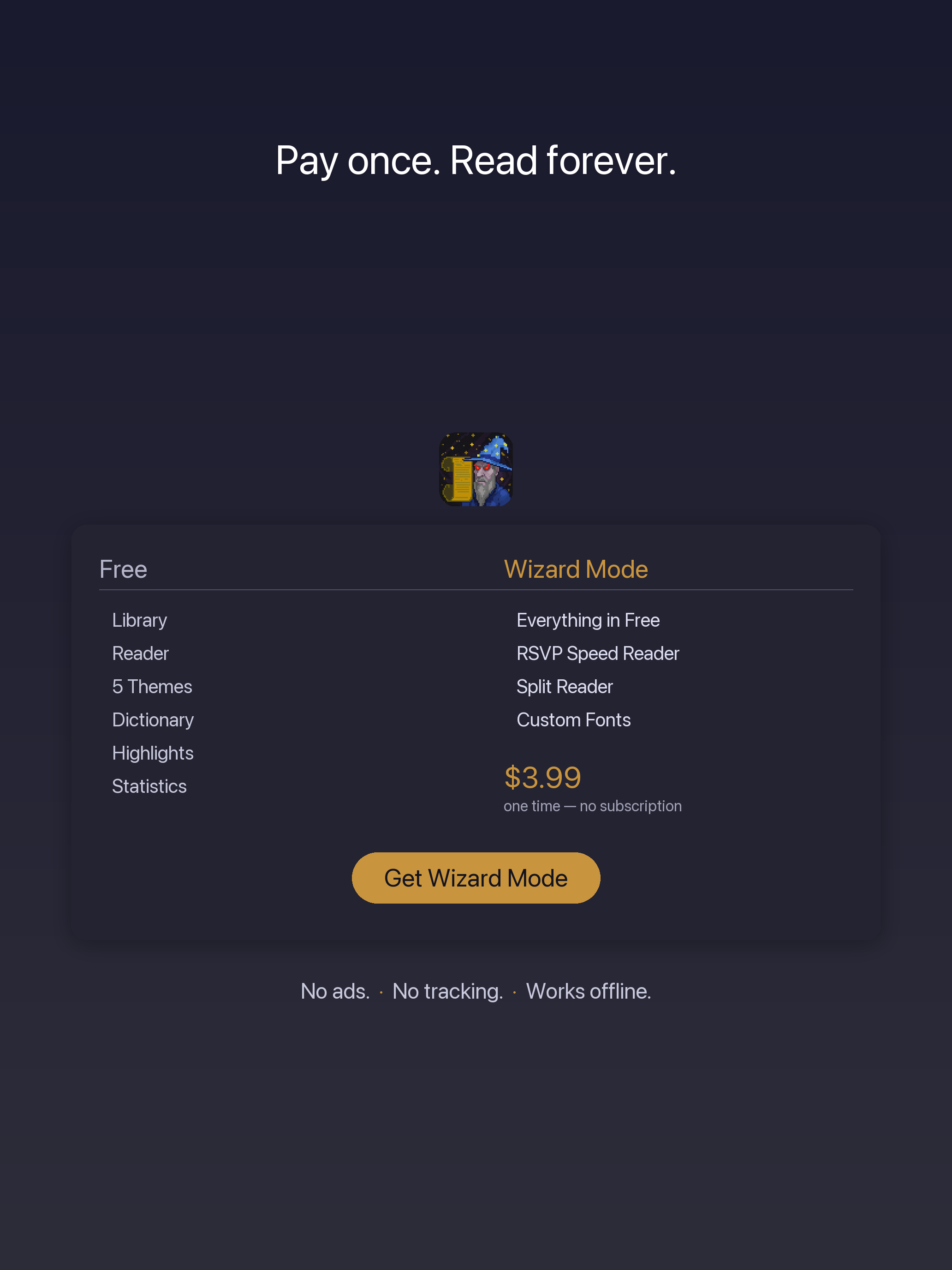
Advanced Wizard Mode is a one-time upgrade. It adds an RSVP focus reader (words one at a time, at a chosen pace between 100 and 1500 WPM), a split reader (two books side by side on iPad, with a draggable divider and paragraph-proportional synchronisation), and custom fonts.
MOBI, AZW3, and CBZ are not supported. Conversion is available through Calibre.
Facts Sheet
| Attribute | Value |
|---|---|
| Platforms | iOS 16.2 and later (iPhone and iPad) |
| Price | Free download, with one optional in-app purchase |
| Optional upgrade | Advanced Wizard Mode — $4.99, charged once |
| File formats | EPUB and PDF |
| Subscription | none |
| Advertising | none |
| Analytics | none |
| Founded | 2026 |
| First release | ScrollWizard 1.0 — 2026 |
| Press correspondence | press@scrollwizard.com |
Screenshots
iPhone (8 images). Click any image for the full-resolution PNG.
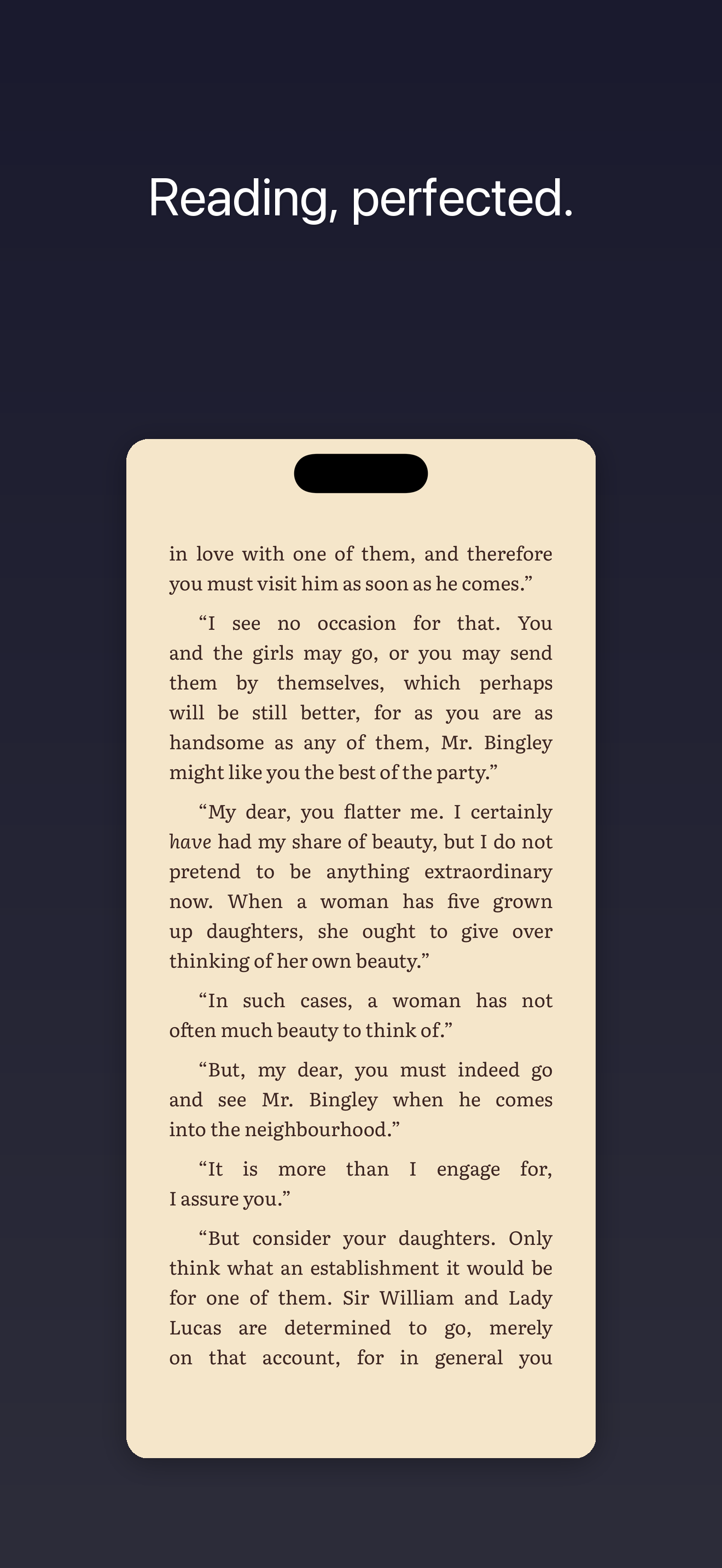
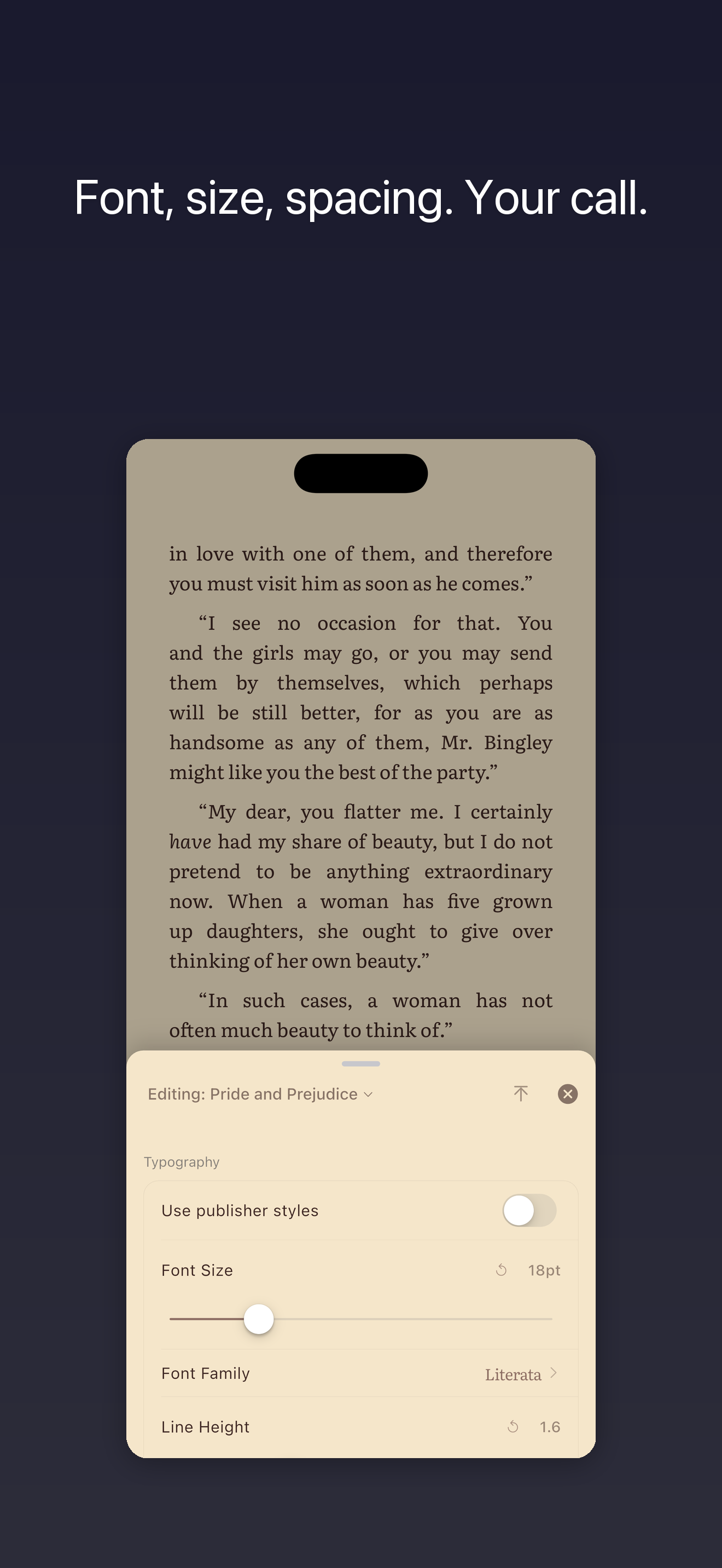
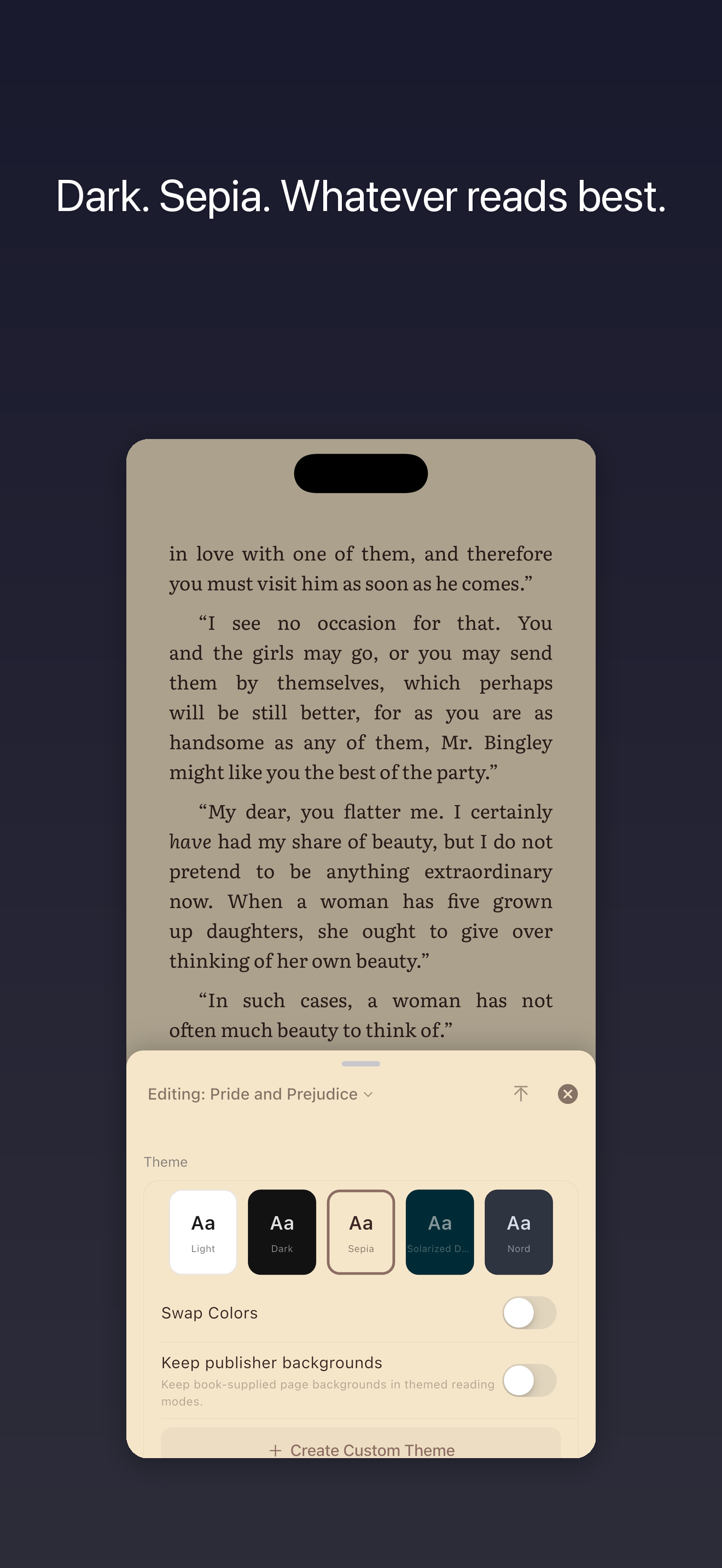
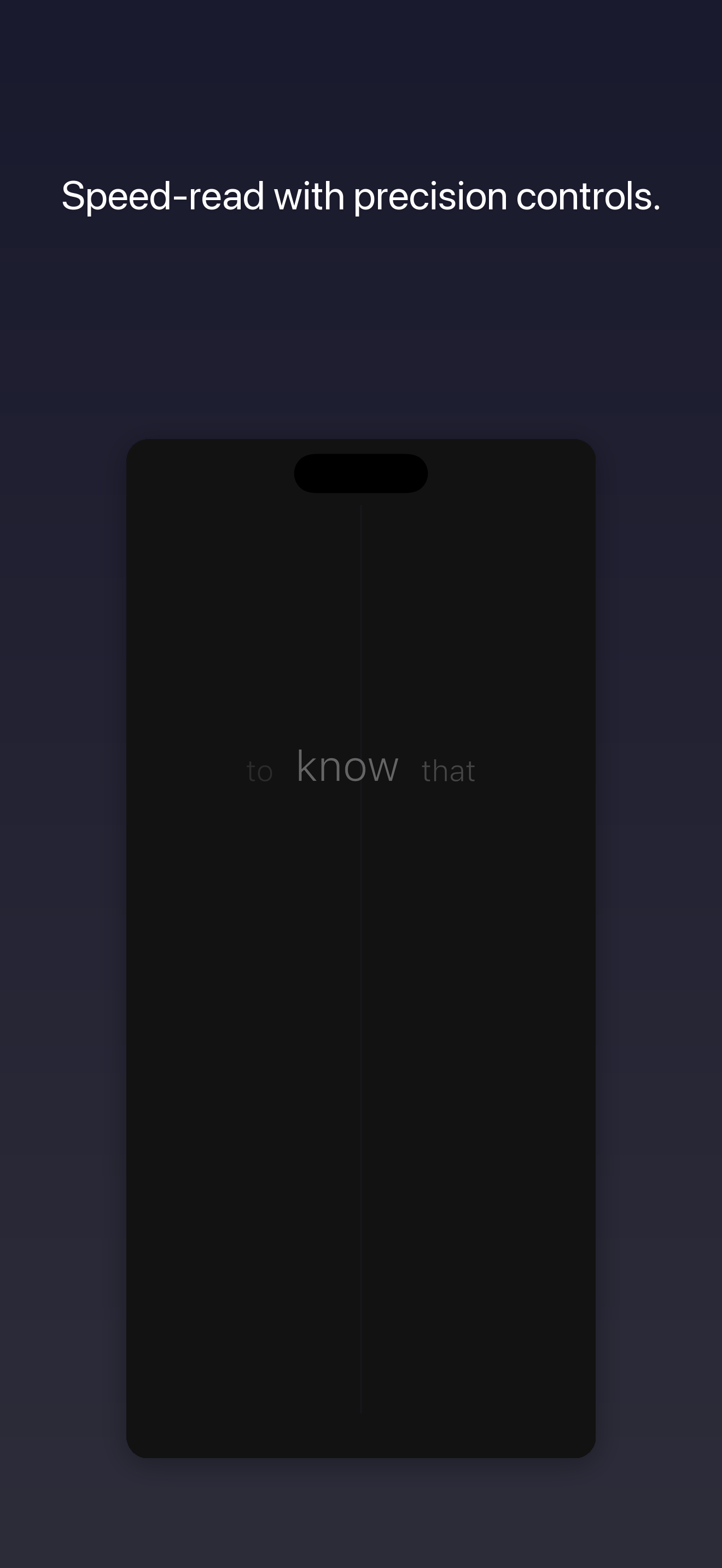
iPad (8 images).
Assets
- Product icon, 1024×1024 PNG: scrollwizard-icon-1024.png
- iPhone screenshots, 8 images, ZIP archive: scrollwizard-screenshots-iphone.zip
- iPad screenshots, 8 images, ZIP archive: scrollwizard-screenshots-ipad.zip
- Complete press kit — icon, all screenshots, and the one-pager PDF: scrollwizard-press-kit.zip

Image rights are granted for editorial use covering ScrollWizard or SuperComfySoft. The product icon must not be modified.
Press One-Pager
Single-page PDF summary: scrollwizard-press-one-pager.pdf.
Correspondence
Press enquiries are gratefully received at press@scrollwizard.com.
SuperComfySoft thanks you for your interest in ScrollWizard.